
Job Card Update to Quotation
The job card have been updated from using Job Cards Items to Quotations Items to have a better control over the amouts/Tax/Discounts ...etc.
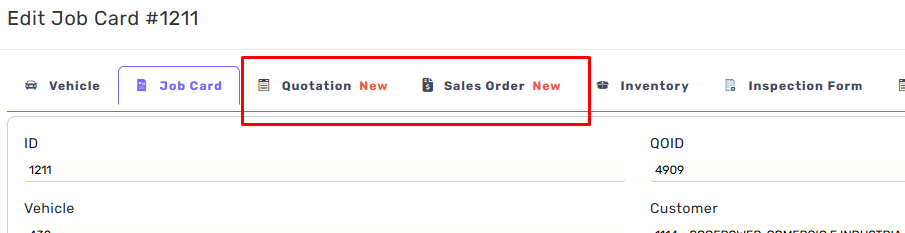
Quotation Tab and Sales Order Tab have been added to the Job Card Dialog
Labeled with New
No more adding items/services within the Job Items.
Read Only TAB
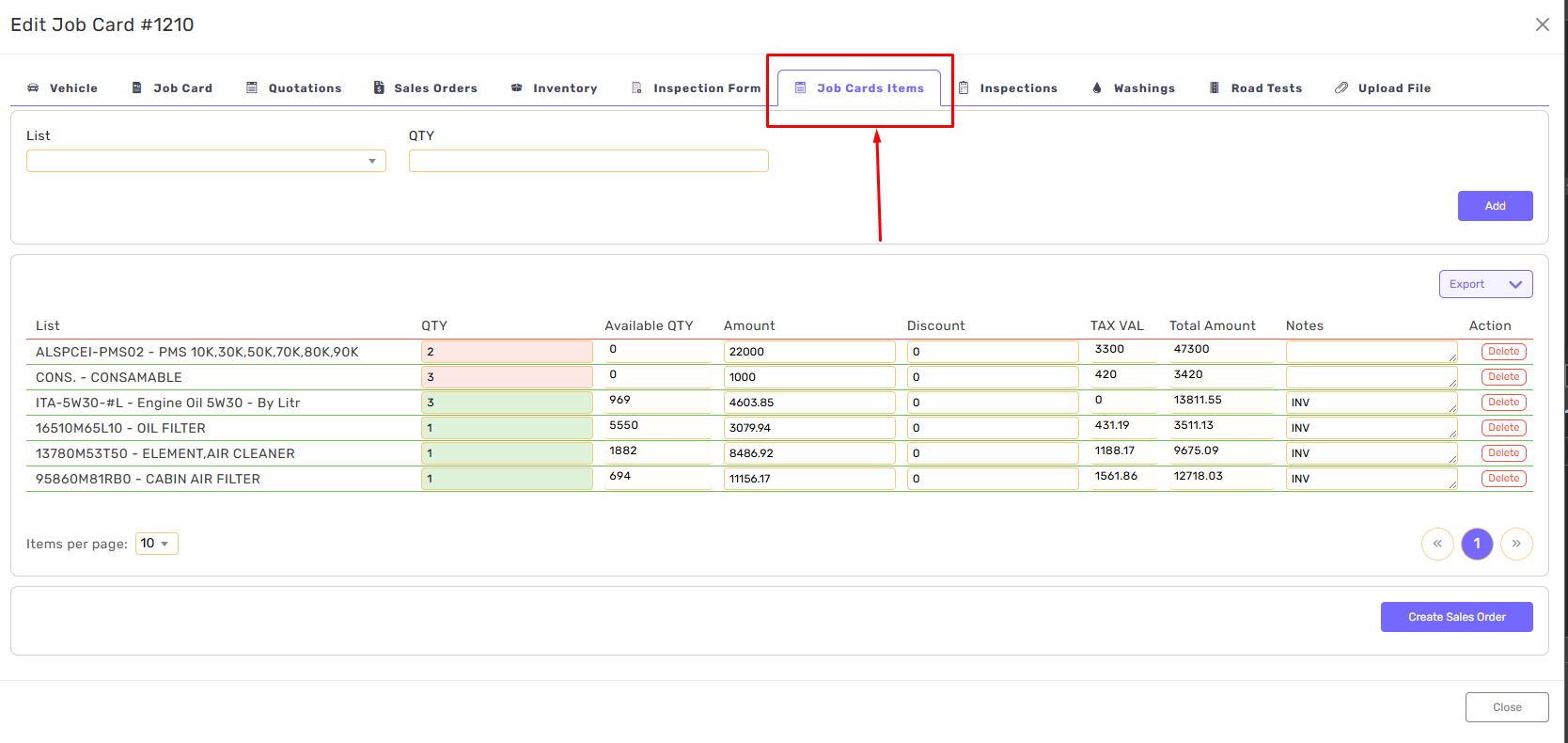
All Job Cards Items have been migrated to Quotations/Quotations Items.
All existing job cards have a linked Quotation with items
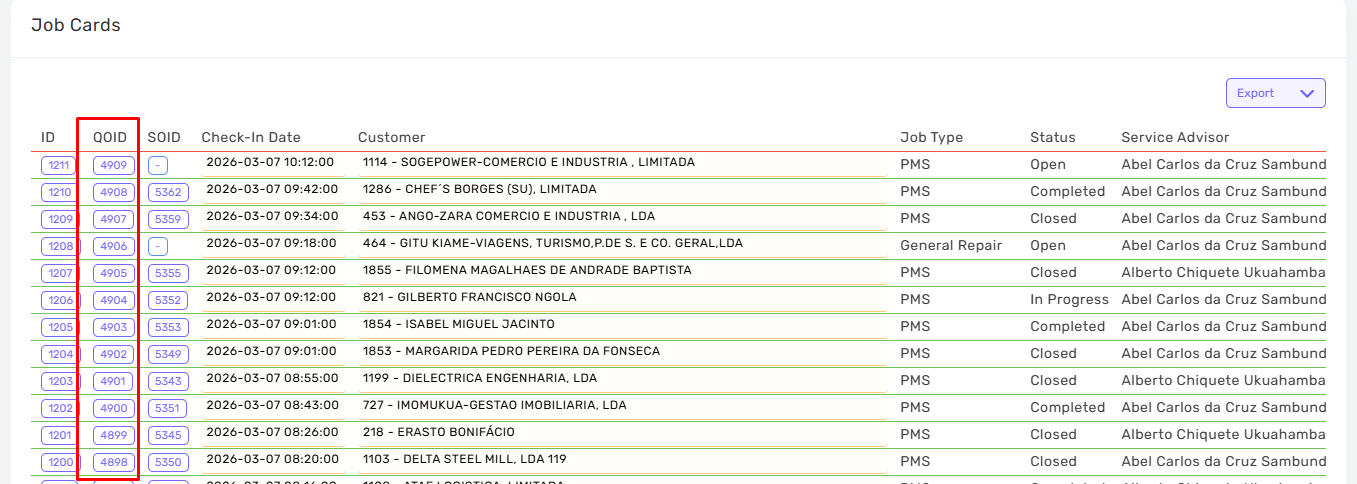
Step one in adding Items is createing Quotation for this Job Cars.
Click on Quotations then Create Quotation.

A new quotation will be added and linked to Job Card/Customer
This Quotation can be opened from the Old/New Systems
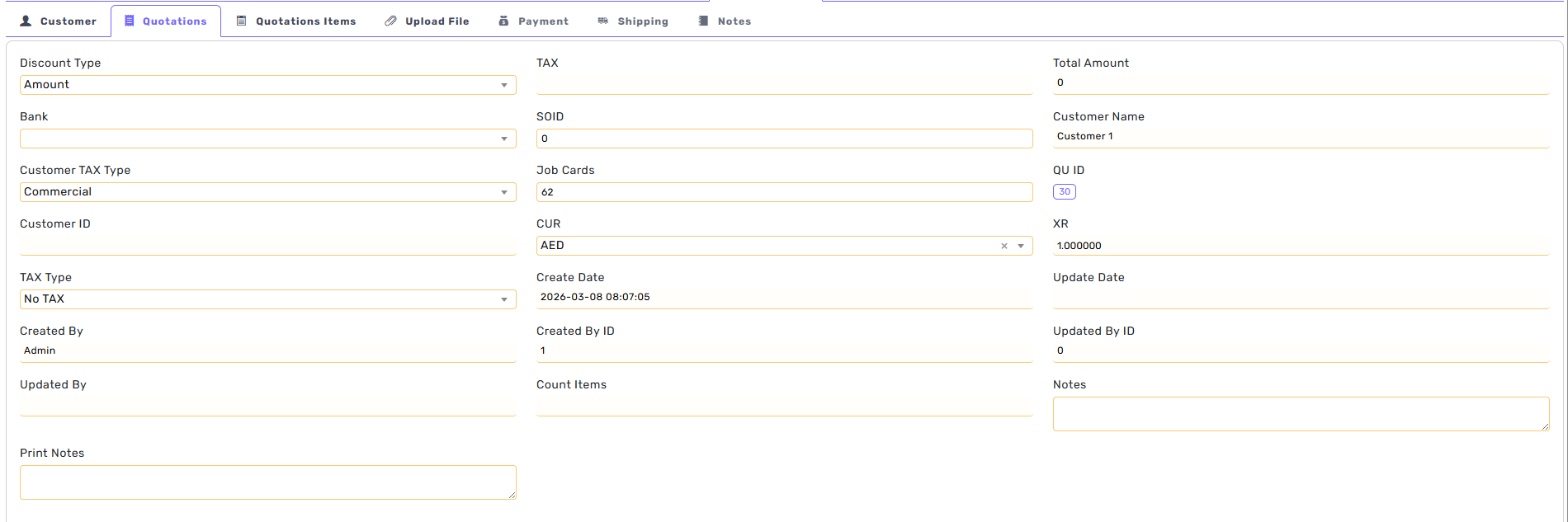
To add Items, click on Quotations Items.
Search for the part-number and add the quantity.
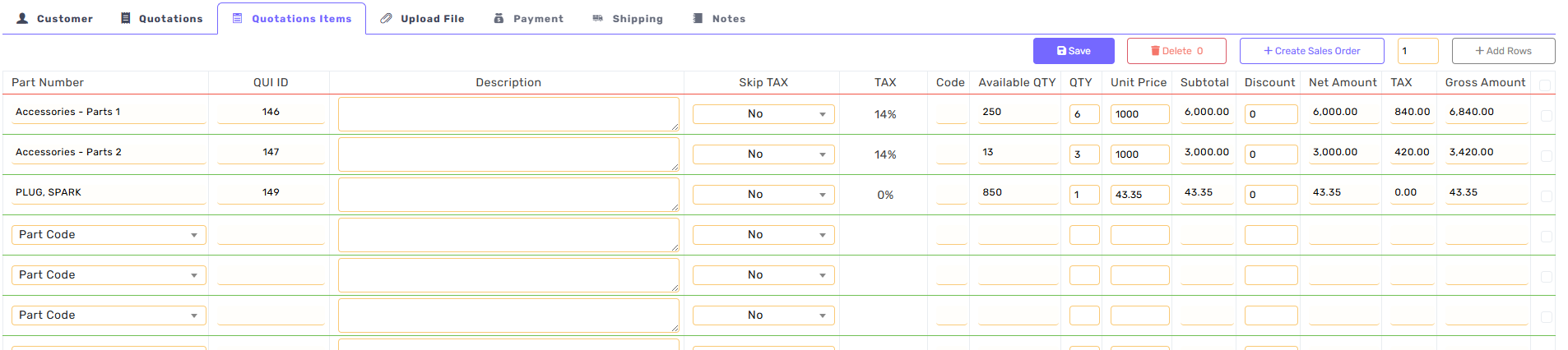
A Quotation can be converted to Sales Order.
From the Qutations Items Tab, click on Create Sales Order
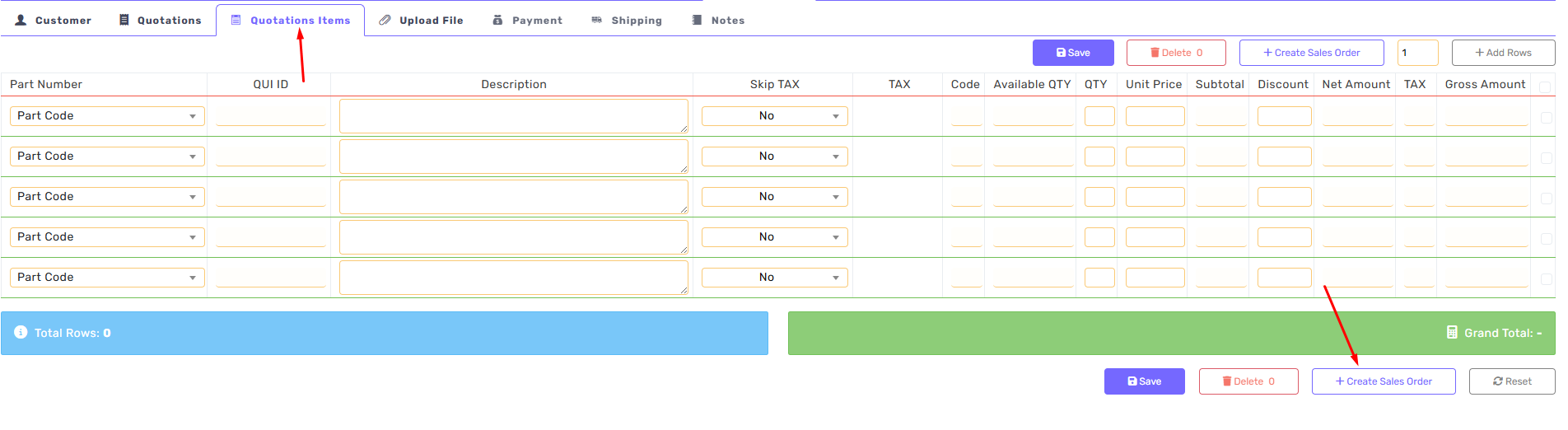
Or Sales Order can be created directly
